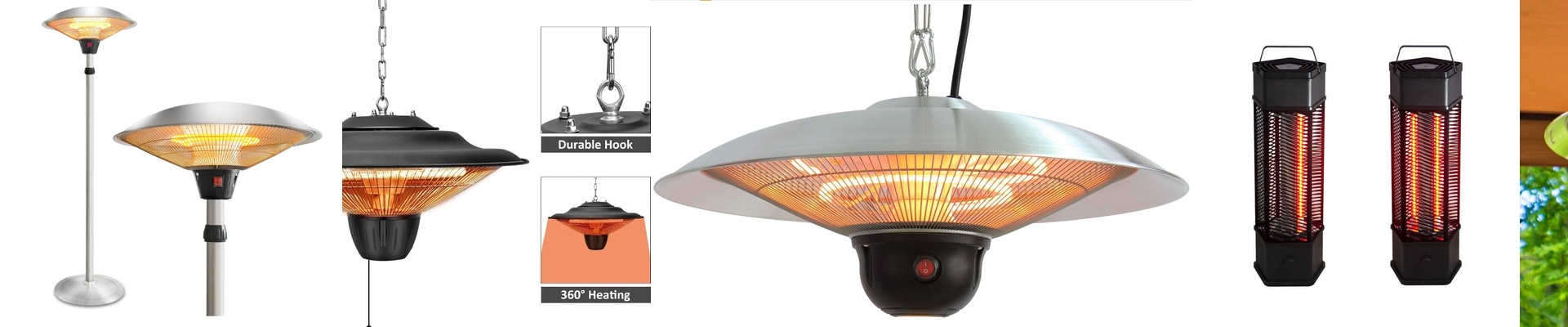
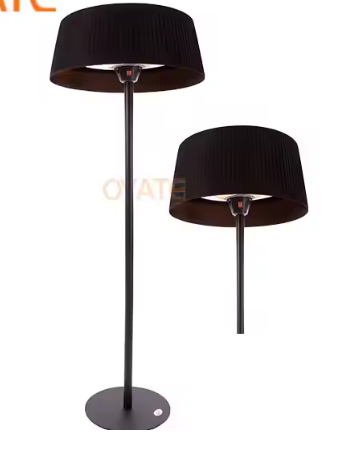
Making Your Ceiling Heaters Actually Smart
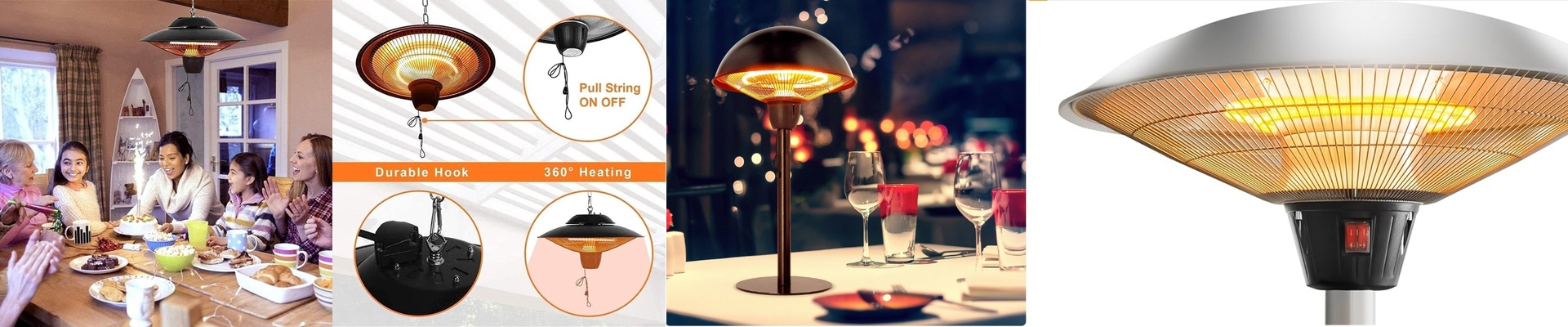
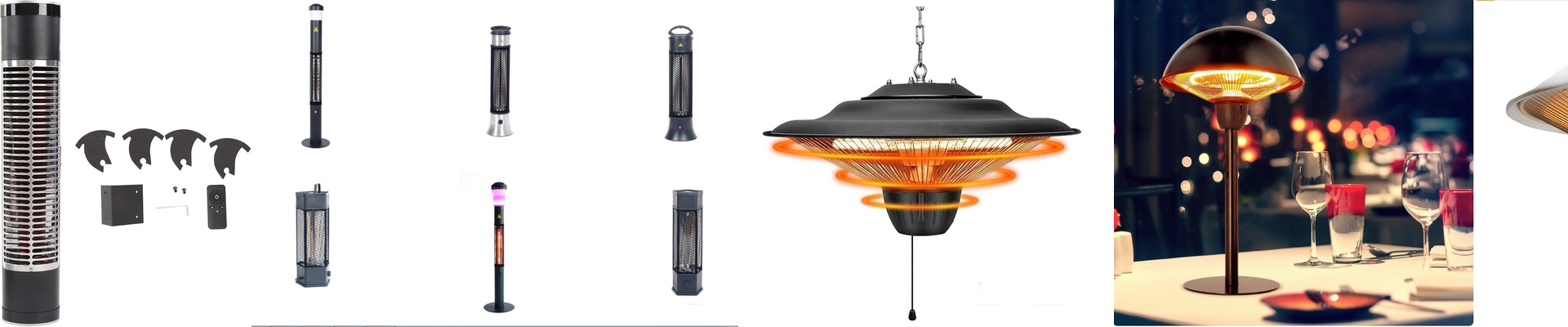
Most heaters work by warming up the air, which then slowly drifts around the room. Ceiling-mounted infrared (IR) heaters are different. They send out waves of heat that hit you and your furniture directly. It’s more like standing in the sun on a crisp autumn day than sitting in a stuffy room. When you hook these up to a smart home hub, you stop messing with clunky wall switches and start letting the house handle the temperature for you.
That “Instant” Feeling
We’ve all been there—turning on the heat and waiting twenty minutes for the room to actually feel warm. IR heaters skip that wait. Because they use radiant energy, the heat hits your skin the second the power kicks in. It’s an immediate shift. One minute you’re shivering, and the next, it feels like spring. No lag, no waiting for the air to circulate. Just warmth.
How to Actually Set It Up
If you want a “one-click” setup, you’ll need a smart relay or a controller that speaks Zigbee or Matter. Usually, this happens at the power source. You swap out that old-school wall toggle for a smart switch. Now, you can just tell your voice assistant to turn the heat on or set a schedule so the room is cozy before you even wake up. But here’s a pro tip: avoid the “blast of heat” effect. If you use something like a TRIAC dimmer or PWM, you can actually dial the wattage up or down. This lets you keep a steady, comfortable warmth instead of swinging between freezing and boiling.
A Few Things to Watch Out For
It’s not all plug-and-play. These units pull a lot of power. If you’re putting in a few 2kW heaters, make sure your wiring can actually handle the load. You don’t want your wires overheating behind the drywall. Also, remember that IR heat travels in a straight line. If something is blocking the heater—like a tall cabinet or a loft bed—you’re going to have a cold spot. Spend a little time mapping out where people actually sit and stand. Get the placement right, and you won’t be left shivering in the gaps.